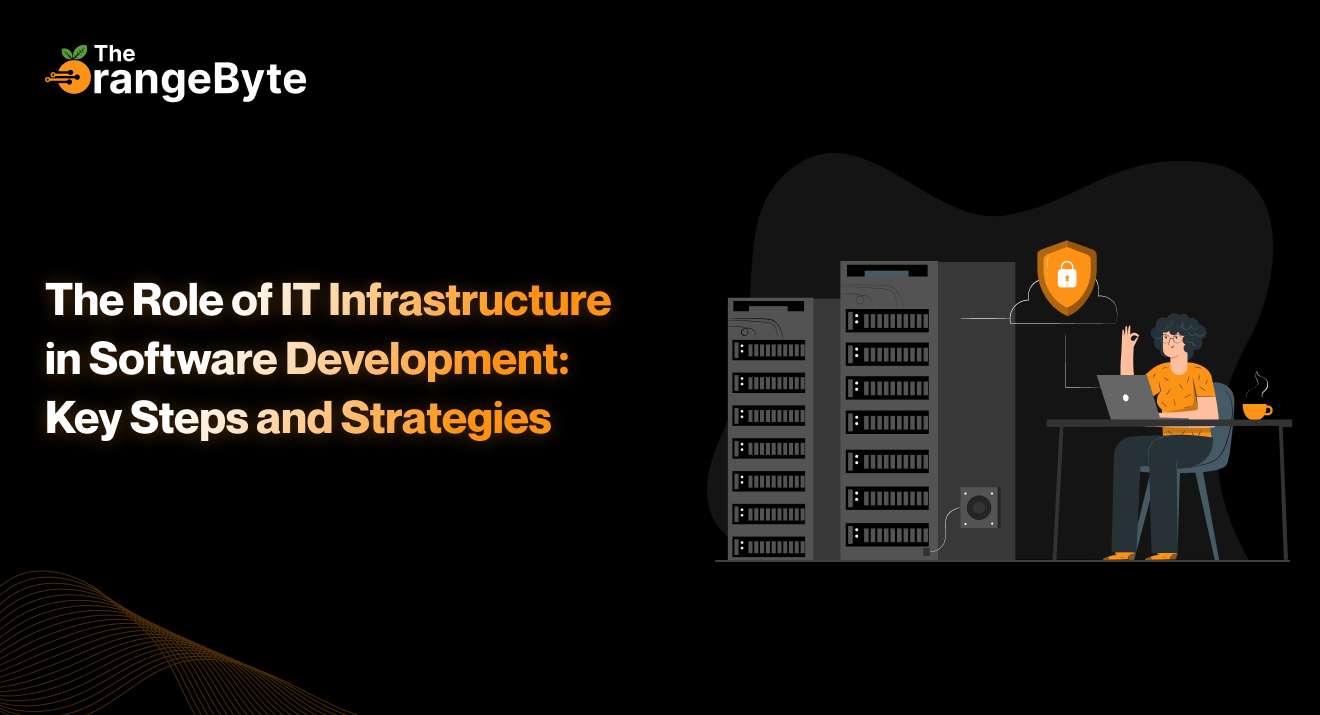

Behind every fast app, quick load time, and safety, there is one thing most users do not see: a strong IT set-up. It’s not showy, and it does not often get the big stage, but without it, apps just would not work.
While people who make apps write code and those who design shape the look, it’s the setup that keeps all in line, working, and safe. From letting many work at the same time to making sure it works well when busy, the IT setup is the quiet part that helps apps do well.
In this blog, we’ll show what the IT setup does in making apps. You’ll learn what makes a good set-up, the main steps to make one, and smart ways to grow and keep it safe as your needs get bigger.
Understanding the Role of IT Infrastructure in the Software Development Lifecycle
To put it briefly, IT infrastructure supports the design, development, release, and maintenance of software applications by providing a collection of hardware, software, networking, and services. But software development is more than just servers and cables.
It includes:
- IDEs and development environments
- Git, Bitbucket, etc., source control and code repositories
- Construct build servers and build-in-continuous-integration tools
- Automation frameworks
- Storage arrays and database servers
- On-premise or cloud-based application hosting platforms
- Monitoring, logging, and alerting tools
- Firewalls in security, encryption policy, and access management
This infrastructure is the basis of the whole Software Development Lifecycle (SDLC), as well as the first lines of the code, and full deployment in production.
Why Is IT Infrastructure More Than Just Support?
An efficient and properly designed infrastructure is transformative to any development team and companies. It is crucial at every stage of the software development process for the following reasons:
- Streamlined Development Processes
Quick access to text editors, debuggers, code compilers, and simulators are essential tools for developers. Time and productivity are wasted in a discrete environment or a slow system. Teams can have the same environment, minimal load time, and less interference when they have the right infrastructure. - Cooperation in Remote Teams
With the rise of remote working and hybrid forces, developers, QA engineers, and project managers are likely to work in different places and time zones. A modular infrastructure, common code repositories, and real-time communication channels such as Slack or Microsoft Teams can provide asynchronous technical pace, tight feedback loops and real-time status monitoring. - High Performance and Uptime
High, seamless performance is what the users want. Performance optimization, load balancing, and auto-scaling will be made possible by the infrastructure, guaranteeing that applications will function properly whether they are being tested by the QA team or are being used continuously by thousands of actual users. - Robust Security and Adherence
A project’s security is not an afterthought. The infrastructure should follow GDPR, HIPAA, or SOC 2 regulations, handle sensitive data, and use best practices for secure coding. Firewalls, intrusion detection, encryption, and frequent backups all help to prevent vulnerabilities and breaches. - Scalability and Flexibility for Growth
The software products of current times must be prepared for the future. Your infrastructure must scale as your user bases increase or as they add features without having to redo it completely. This implies adopting an elastic storage, a virtualized server, and container orchestration systems such as Kubernetes.
Key Steps in Setting Up a Development-Ready IT Infrastructure
For your infrastructure to provide software that is incredibly robust, secure, and dependable, it must be carefully planned and implemented with efficient use. Here’s how to do it:
- Specify the needs and scope of the project.
Every software program is unique. Consider this:- Technical proficiency and team size
- Methodology for development (DevOps, Agile, etc.)
- The expected volume of data and traffic
- Integrations with third parties
- Expectations for disaster recovery and necessary uptime
- The analysis will serve as the foundation for selecting a local, cloud-based, or hybrid infrastructure.
- Pick the Appropriate Infrastructure Model
Each model has unique advantages and disadvantages.- Cloud infrastructure, such as AWS, Azure, and GCP: has global availability, scalability, and the ability to reduce costs immediately. It is the ideal tool for agile teams, SaaS businesses, and startups.
- On-premise infrastructure: gives you greater control and privacy over your data, but it is inherently expensive because it cannot be reused and requires capital expenditures for upkeep.
- Hybrid Infrastructure: Often used in regulated industries or in the execution of legacy modernization projects, this hybrid approach combines both approaches to provide the maximum amount of flexibility.
- Consider Scalability and Modularity in Design
- Take a modular monolith approach and decouple the various parts (frontend, backend, database, etc.) to enable each to scale separately, have a simpler update, and have simpler troubleshooting.
- Consistent development environment through the use of containers (e.g., Docker) to minimize/eliminate the issue of providing less promising commitments like, it works on my machine.
- Automate Everything Possible
Human error is likely to happen with repetitive tasks. Automate:- Server provisioning with tools like Terraform or CloudFormation
- Configuration management by Ansible, Chef or Puppet
- Pipelines to build and test with Jenkins, GitHub Actions, or GitLab CI/CD
- It results in quicker deployments, reduction of errors, and trustworthy updates.
- Implement Continuous Integration and Continuous Delivery (CI/CD)
CI/CD is an essential procedure in contemporary software development. It ensures:- A shorter turn time for development cycles
- A simple implementation of novel code
- Quicker bug identification
- Fast rollback and patching
- Dev Teams are able to release many updates without loss of quality by having CI/CD pipelines installed.
- Create All-Inclusive Security Frameworks
Security duties are divided between the infrastructure and development teams. Use:- Role-Based Access Control, or RBAC.
- encryption both at idle and in transit. Encrypting data while it’s at idle
- API security
- Multi-factor authentication
- Consistent vulnerability scan and audits
- When it is feasible and there is a sensitivity to it, implement a zero-trust policy.
- Deploy Monitoring, Logging, and Alerts
Invisible infrastructure is a liability. Include tools like:- Grafana and Prometheus for performance monitoring.
- Fluentd Full-Stack Observability or ELK Stack logging with Datadog or New Relic.
- Your staff can anticipate issues before they affect end users by using real-time alerts.
Proven Strategies for Optimizing IT Infrastructure in Software Projects
Although a strong foundation must be established, continuing to optimize it is the key distinguishing feature of effective software teams. The following are some of the best practices that maximize performance, resilience and value:
- Serverless Architectures
Cloud-native development is portable, automatable, and scalable quickly. Serverless architectures, such as AWS Lambda or Azure Functions, enable you to concentrate on the code without taking care of servers. - Infrastructure as Code (IaC)
Iac makes infrastructure repeatable and version-controlled scripts. It results in reliable environments, speedy onboarding, and disaster recovery options. Such tools as Terraform, Pulumi, and Crossplane are widely used. - DevSecOps
Security in all the development life cycles minimizes vulnerabilities and ensures compliance. DevSecOps integrates security testing in the CI/CD pipeline and imposes policy checks and secure code behaviours. - Fault Tolerance
There should be no single points of failure in the infrastructure’s design. Use load balancers, multizone deployment, and automatic scaling features to ensure that your application won’t stop working in the event of a component failure. - Smart Resource Management
Unchecked, Cloud can be very expensive. Save on cost through cost dashboards, reserved instances and autoscaling policies to be sure that you only pay what you consume without compromising performance. - Learning and Optimization
Technology is changing very quickly. Share best practices, new tools, and threats with your teams. Conduct regular post-mortems, performance evaluations, and infrastructure reviews to identify areas for improvement.
Final Thoughts
Software development is a collaborative process. Well-designed IT infrastructure is essential to any successful agile sprint, deployment, or user experience.
Businesses that make investments in automated, scalable, and secure infrastructure protect digital assets, expedite development cycles, and ensure that their apps are future-proof. Infrastructure is now the foundation of innovation rather than merely “support.”
Are you prepared to strengthen your foundation in IT? For digital excellence and custom software development, explore collaborating with The OrangeByte. Together, we can make your infrastructure smarter, secure, and future-ready.